Master image background erase techniques with AI-powered tools. Learn professional methods, workflows, and best practices for 2026.

The ability to image background erase has transformed from a labor-intensive task requiring expert Photoshop skills into an accessible process powered by artificial intelligence. Businesses across industries now rely on background removal to create professional product images, enhance marketing materials, and maintain consistent visual branding. Understanding the tools, techniques, and workflows for effective background removal can significantly reduce production costs while improving image quality across all channels.
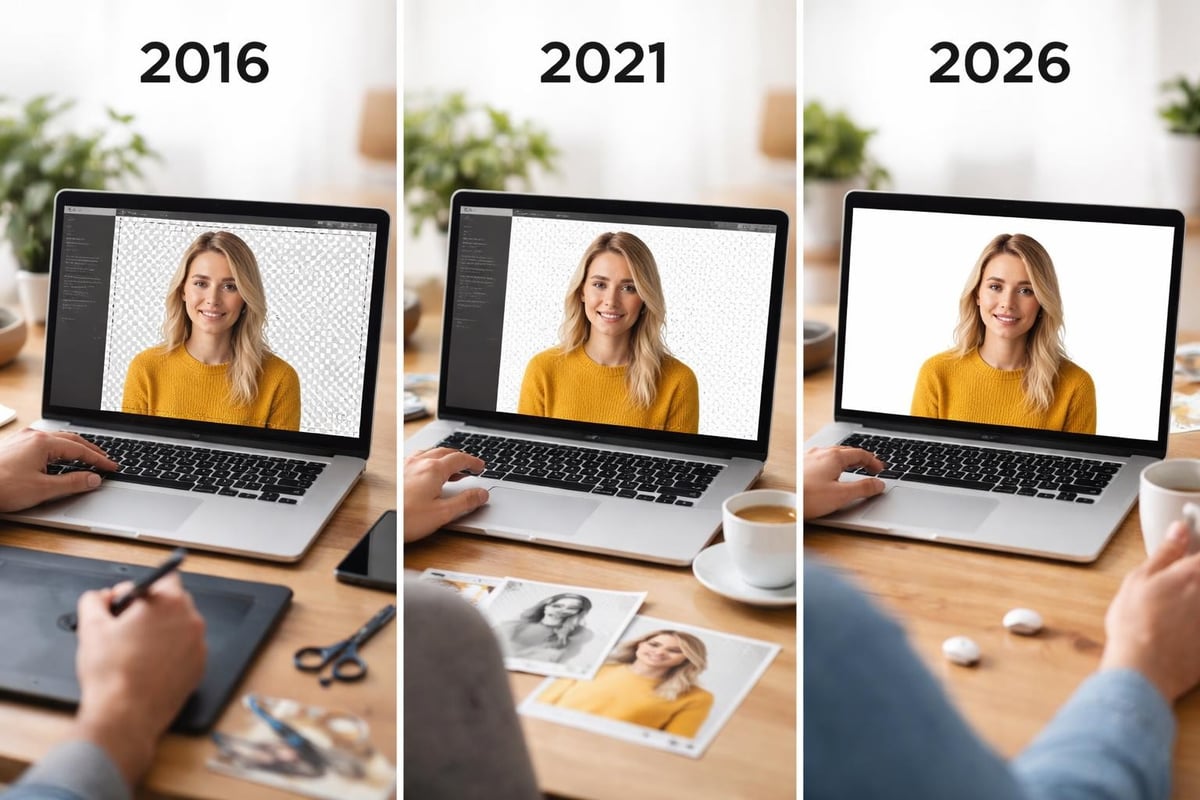
Background removal technology has undergone remarkable advancement since the early days of manual selection tools. Traditional methods required designers to spend hours using lasso tools and layer masks to isolate subjects from their backgrounds. The introduction of the clone tool provided basic capabilities for replacing unwanted elements, but precision remained challenging.
Modern AI algorithms have revolutionized how we approach image background erase tasks. Machine learning models trained on millions of images can now identify subject boundaries with remarkable accuracy, distinguishing between hair strands, transparent objects, and complex edges that once required painstaking manual work. These advances have made professional-quality results accessible to businesses of all sizes.
AI-based background removal relies on sophisticated neural networks that analyze image content at multiple levels. These systems identify foreground subjects by recognizing patterns, shapes, and contextual clues that distinguish the main subject from its surroundings. The technology employs semantic segmentation to classify each pixel as either foreground or background.
Advanced platforms like removit utilize these AI models to automate entire workflows, processing images at scale while maintaining consistent quality. The system can handle various subject types, from simple products on white backgrounds to complex scenes with intricate details.
Multiple approaches exist for removing backgrounds, each suited to different use cases and image types. Understanding these methods helps businesses select the right solution for their specific needs.
Automated solutions represent the fastest and most scalable approach to background removal. These systems analyze uploaded images and automatically identify subject boundaries without manual intervention.
Key advantages of automated processing:
The professional services approach combines automated processing with expert review, ensuring complex images receive the attention they need while maintaining workflow efficiency.
Semi-automated processes blend AI capabilities with human oversight. This hybrid approach works well for images requiring specific adjustments or quality control beyond standard automation.
| Workflow Stage | Automated Task | Manual Review |
|---|---|---|
| Initial Processing | AI background detection | Quality verification |
| Edge Refinement | Smart edge detection | Complex area adjustment |
| Output Generation | Format conversion | Final approval |
Certain images still benefit from manual intervention, particularly those with transparent elements, fine details, or unusual compositions. Professional retouchers use advanced selection tools combined with layer masking techniques to achieve pixel-perfect results.
The Simple Interactive Object Extraction (SIOX) algorithm represents one approach to semi-automated background removal, requiring minimal user input while delivering accurate results for many image types.
Different industries leverage image background erase capabilities in unique ways, each with specific requirements and quality standards.
Online retailers require clean, consistent product images to maximize conversion rates. Background removal creates uniform white or transparent backgrounds that meet marketplace requirements and enhance product visibility.
The API integration capabilities enable e-commerce platforms to automate this entire workflow, processing new products as they're added to inventory.
Marketing teams need flexible images that work across various contexts and layouts. Removing backgrounds allows creative teams to composite subjects into different scenes, create collages, or adapt assets for multiple campaign variations.
Common marketing applications:
Publishing workflows demand precise background removal to ensure subjects integrate seamlessly into layouts. Photopea, a web-based editor, offers tools for background removal that work within browser-based publishing workflows, though dedicated platforms provide superior automation and quality.
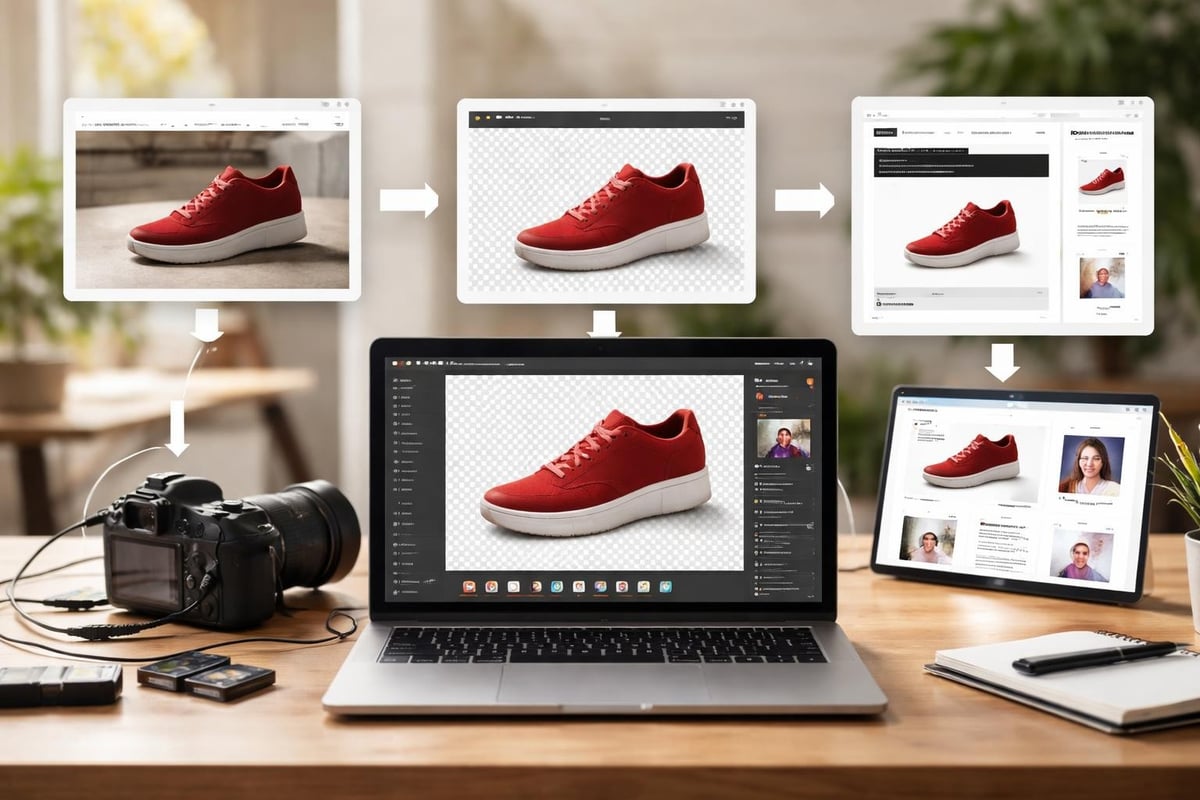
Achieving professional results requires attention to technical details that impact final image quality. Understanding these factors helps businesses optimize their background removal processes.
Edge quality determines how natural removed backgrounds appear. AI systems must accurately identify where subjects end and backgrounds begin, accounting for soft edges, hair, fur, and semi-transparent elements.
Advanced algorithms analyze edge characteristics and apply appropriate feathering or hard edges based on subject type. Research in alpha matting techniques has significantly improved the accuracy of edge detection, particularly for challenging subjects with fine details.
Choosing appropriate output formats affects both image quality and file size. Different use cases demand specific format characteristics.
| Format | Transparency Support | Best Use Case | Quality Level |
|---|---|---|---|
| PNG | Yes | Web graphics, overlays | Lossless |
| JPEG | No | Print, photography | High compression |
| WebP | Yes | Modern web platforms | Efficient compression |
| TIFF | Yes | Professional printing | Maximum quality |
The upload interface typically accepts multiple input formats, automatically converting them to optimized outputs based on intended use.
Maintaining accurate colors throughout the background removal process requires proper color space handling. Images intended for web use typically employ sRGB color space, while print materials often require CMYK or Adobe RGB.
Professional platforms ensure color consistency by preserving original color information and applying appropriate conversions during export. This attention to color management prevents unexpected color shifts that can occur when moving between different editing tools.
Modern background removal platforms offer features beyond simple subject isolation, enabling sophisticated image manipulation and workflow automation.
Organizations managing large image libraries require efficient batch processing capabilities. These systems can process thousands of images simultaneously while maintaining consistent quality standards.
Batch processing workflow elements:
Rather than simply creating transparency, many platforms offer background replacement features. Users can substitute original backgrounds with solid colors, gradients, or entirely new scenes while preserving subject lighting and shadows.
Research into background replacement frameworks has advanced the capability to maintain semantic and spatial consistency when compositing subjects into new environments.
Professional product photography often includes carefully crafted shadows and reflections that enhance realism. Advanced background removal systems can identify and preserve these elements separately from the main subject.

Efficient image background erase processes integrate seamlessly into existing business workflows, reducing manual touchpoints and accelerating production timelines.
Application programming interfaces enable direct integration between image sources and background removal systems. E-commerce platforms, content management systems, and digital asset management tools can automatically trigger background removal as new images enter the workflow.
The technical capabilities of modern APIs support:
Businesses can choose between desktop software, cloud-based platforms, or hybrid solutions depending on security requirements, processing volume, and team structure. Cloud platforms like removit offer the advantage of accessibility from any location while eliminating local hardware requirements.
Tools such as Luminar Neo provide desktop-based AI background removal for users preferring local processing, though cloud solutions typically offer superior scalability and collaboration features.
Managing image processing expenses requires strategic approaches to tool selection, workflow design, and volume planning.
Different platforms employ various pricing structures, from per-image credits to monthly subscriptions. Understanding these models helps businesses select cost-effective solutions.
| Pricing Model | Best For | Considerations |
|---|---|---|
| Pay-per-image | Low volume, occasional use | Higher per-unit cost |
| Monthly subscription | Predictable moderate volume | Fixed monthly expense |
| Volume tiers | High volume, consistent needs | Economies of scale |
| Enterprise custom | Large organizations | Negotiated rates |
Reviewing pricing options helps businesses project costs based on anticipated processing volumes.
Automated processing delivers speed advantages, but certain images may require additional quality review. Establishing clear quality standards and implementing spot-check procedures ensures consistent results without sacrificing efficiency.
Organizations can implement tiered workflows where standard products receive full automation while premium or complex items route to manual review queues.
The field continues evolving with new research and technological advances promising even greater capabilities in coming years.
Machine learning models continue improving their ability to handle edge cases and challenging scenarios. Recent research into enhanced inpainting accuracy demonstrates how embeddings can improve removal quality for seamless object isolation.
As processing power increases and algorithms become more efficient, real-time background removal during image capture becomes increasingly feasible. This capability would enable immediate feedback during photoshoots, reducing post-production time.
Future systems will better understand image context, automatically applying appropriate background treatments based on subject type, intended use, and brand guidelines without explicit user configuration.
Maintaining consistent quality across large image volumes requires systematic approaches to quality control and process optimization.
Define clear criteria for acceptable background removal quality, including edge smoothness tolerances, transparency accuracy, and artifact prevention. Document these standards and share them across teams to ensure consistent evaluation.
Quality checkpoint categories:
Implement regular testing protocols using representative image samples. Compare results across different processing settings to identify optimal configurations for various product types or subject categories.
Proper documentation ensures team members understand workflow steps, quality expectations, and troubleshooting procedures. Regular training sessions keep staff updated on new features and best practices as platforms evolve.
The FAQ resources typically address common questions and provide guidance for optimizing results across different scenarios.
For businesses operating in European markets, data protection and privacy compliance represent critical considerations when selecting image processing platforms.
Image files may contain metadata including location data, timestamps, and potentially identifying information. Platforms processing European customer data must comply with General Data Protection Regulation requirements regarding data handling, storage, and retention.
European-focused platforms provide assurance that image processing occurs within compliant infrastructure, with appropriate data protection measures and transparent privacy policies.
Organizations in regulated industries or government sectors may require that image processing occurs within specific geographic boundaries. Understanding where data processing occurs and how providers ensure compliance helps businesses make informed platform selections.
Mastering image background erase techniques and workflows delivers tangible business benefits through reduced costs, faster production timelines, and improved visual consistency across all channels. Whether processing product catalogs, marketing materials, or print publications, the right combination of automation, quality controls, and platform capabilities transforms image processing from a bottleneck into a competitive advantage. removit provides the AI-powered automation and professional expertise European businesses need to streamline their photo workflows while maintaining the highest quality standards across web and print applications.
